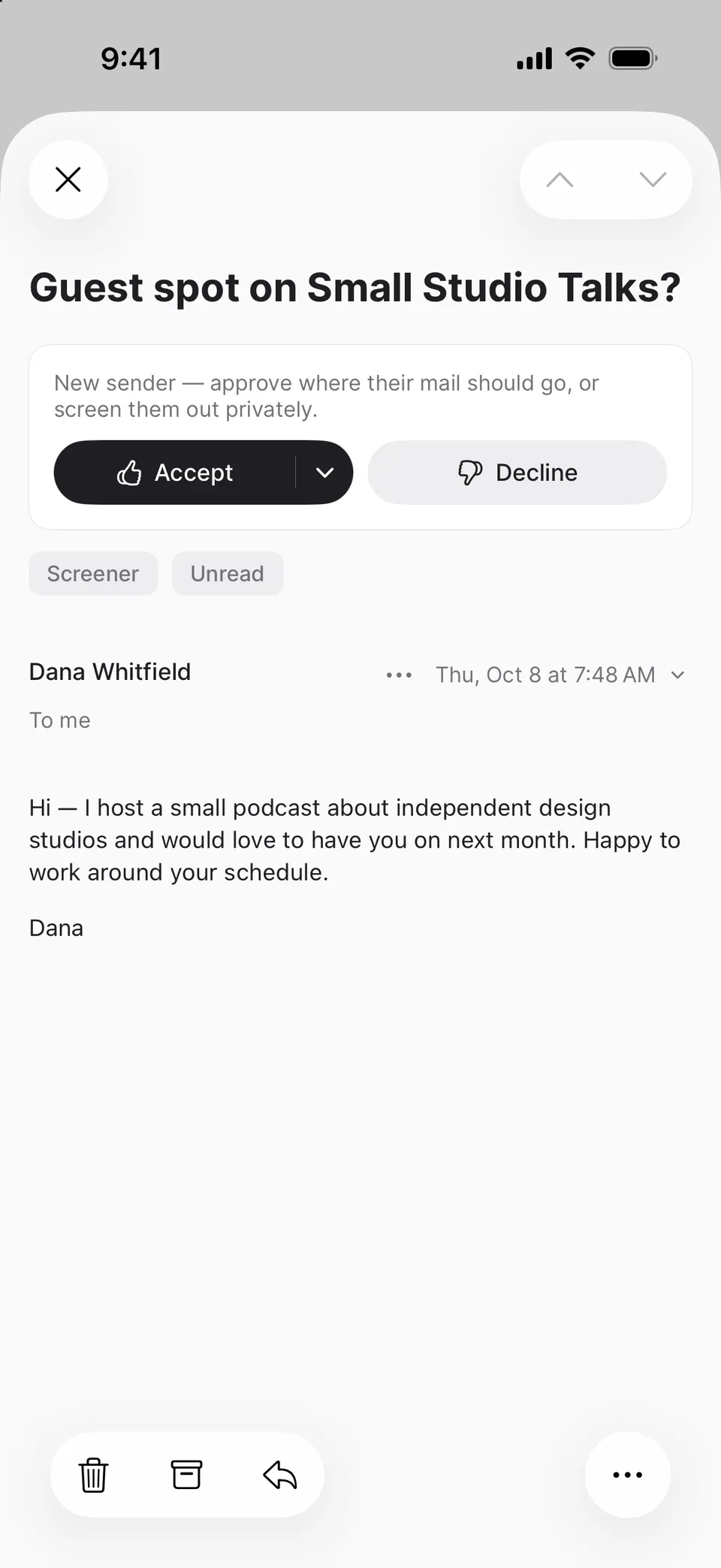
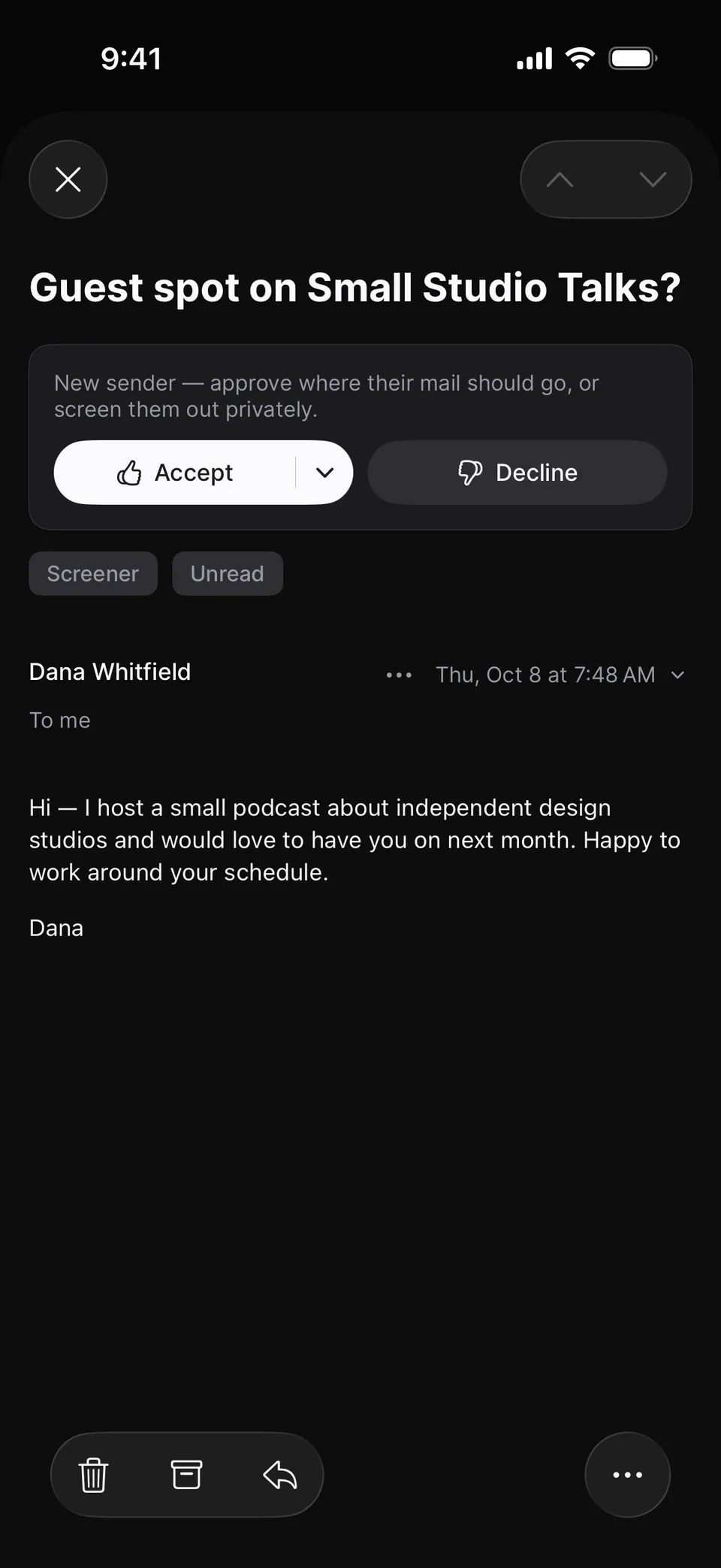
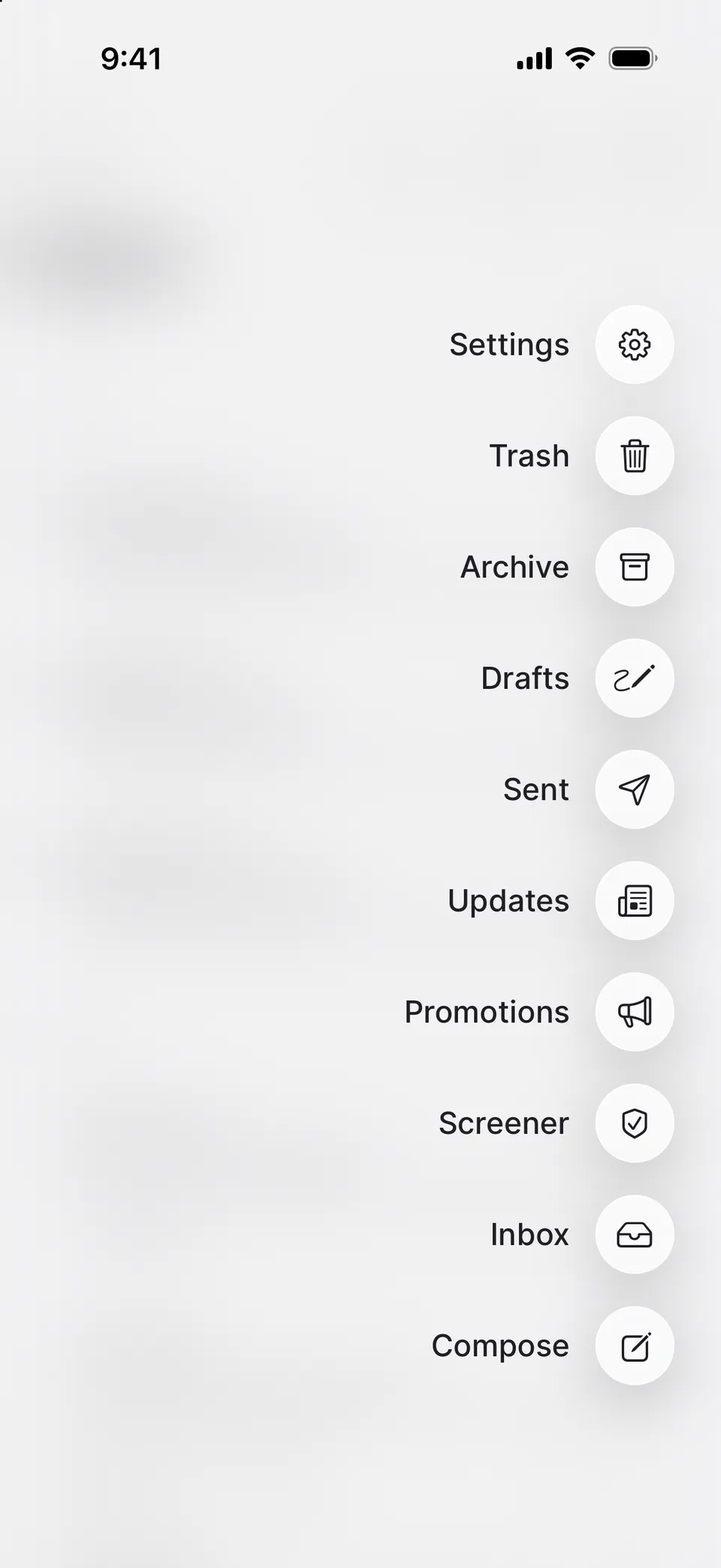
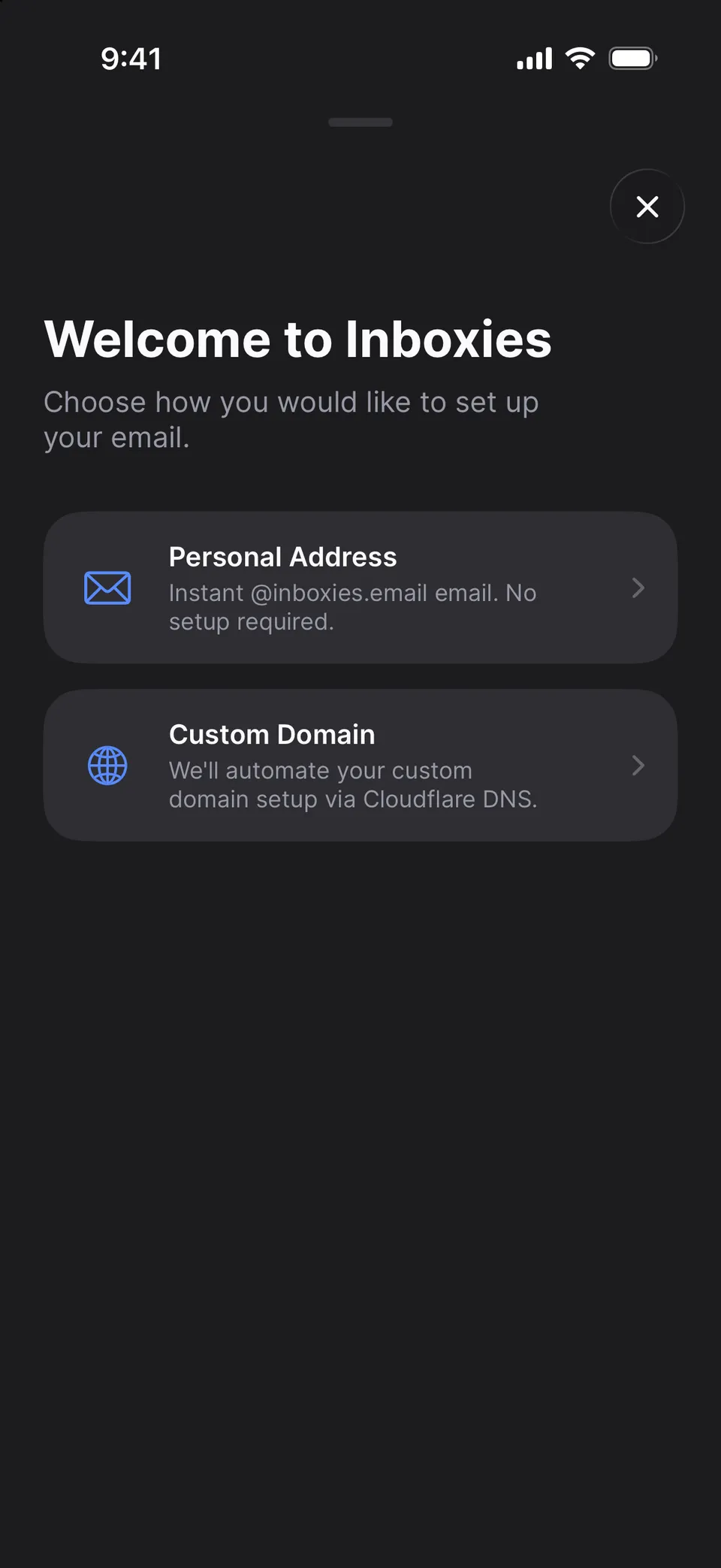
The first time someone emails you, their message waits in the Screener instead of your Inbox. Accept them into Inbox, Promotions or Updates, or decline and their mail is filed quietly in Screened out.
Quiet by design. Mail in the Screener never sends a notification, never gets an assistant draft and never gets your auto-reply. If you forward your mail, a copy still goes out.
People you write to are already in. Anyone you’ve emailed is approved automatically, and so are senders already in your mail. Their mail is sorted for you: list mail to Promotions or Updates, the rest to Inbox.
On from the first email. Every new mailbox starts with the Screener on. There’s no switch to turn it off yet.
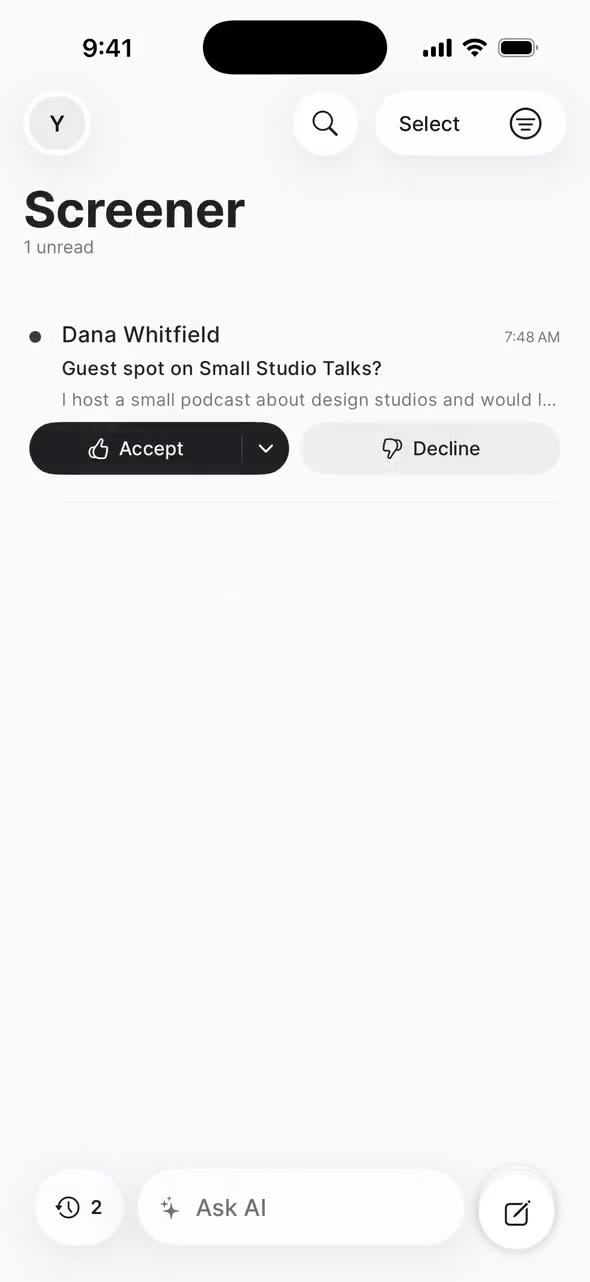
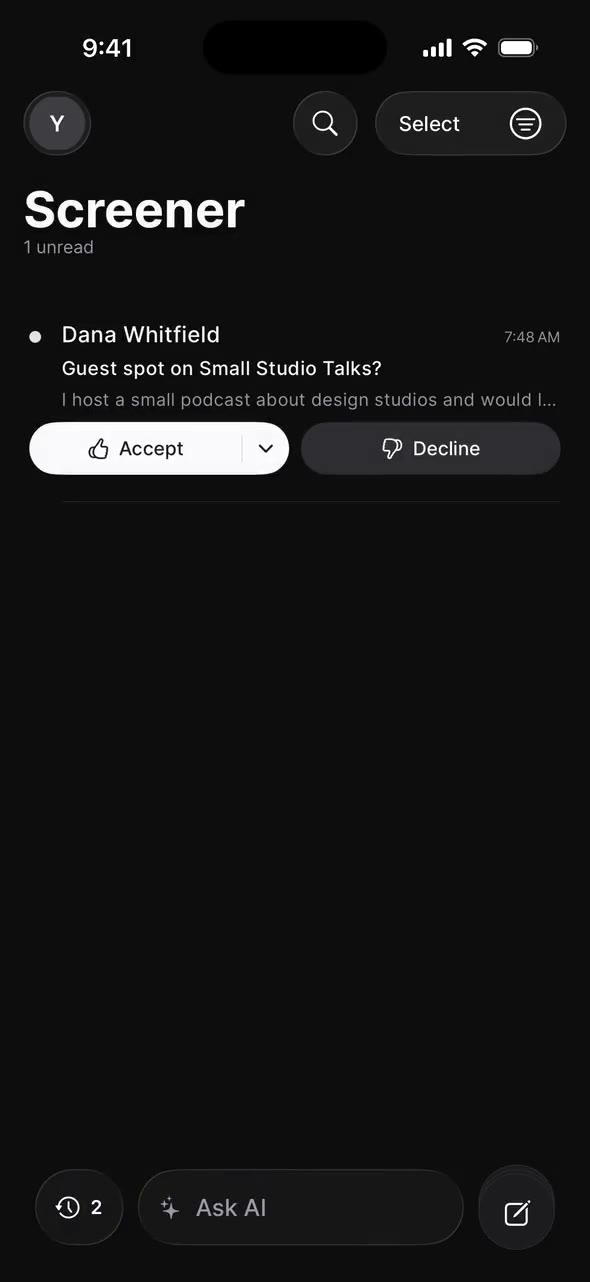
On iPhone, the Inbox shows a banner for one first-time sender. In the Screener, Dana Whitfield waits with Accept and Decline; Accept offers Inbox, Promotions or Updates, and her email then appears in the Inbox.
02 Reply Later · from HEYiPhone · Web
What you owe a reply gets its own pile.
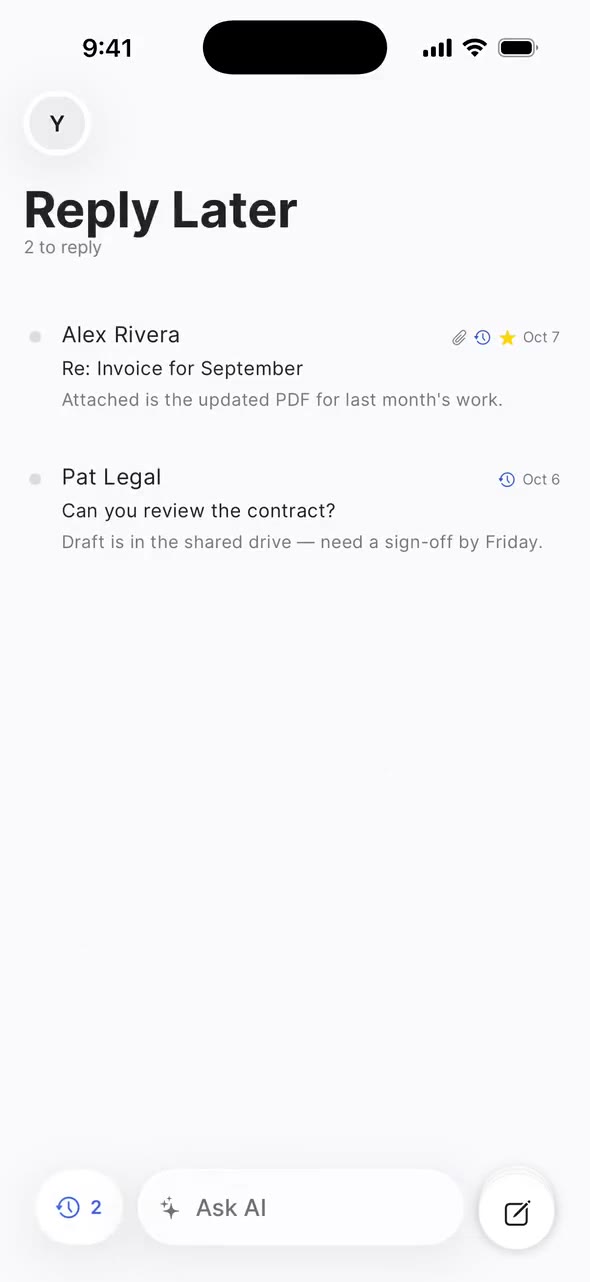
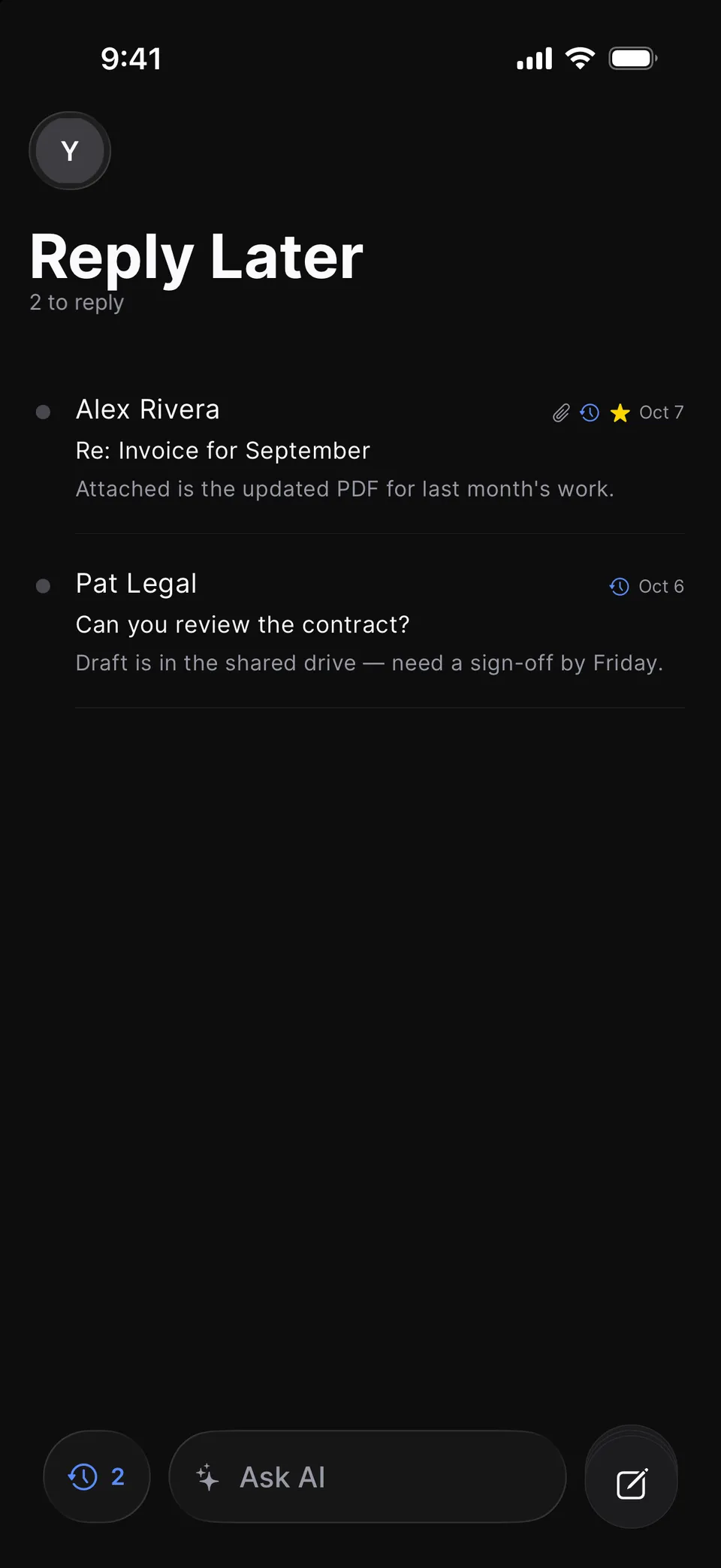
Mark a thread Reply Later from its actions and it joins a pile with a live count: in the bar at the bottom of the screen on iPhone, and under Workflow in the folder column on the web. Send your reply and it leaves the pile on its own.
A pile, not a timer. Nothing disappears and nothing comes back at a set time. The pile waits until you’re ready.
Needs reply. A small tag marks threads you’ve read where the last message isn’t yours.
Focus & Reply. Work through the pile one thread at a time, with the reply already open. · Web
On iPhone, the Reply Later pill opens a pile of two threads. Pat Legal’s “Can you review the contract?” opens, then closes back to the pile.
03 Ask AIiPhone · Web
An assistant that drafts. You press send.
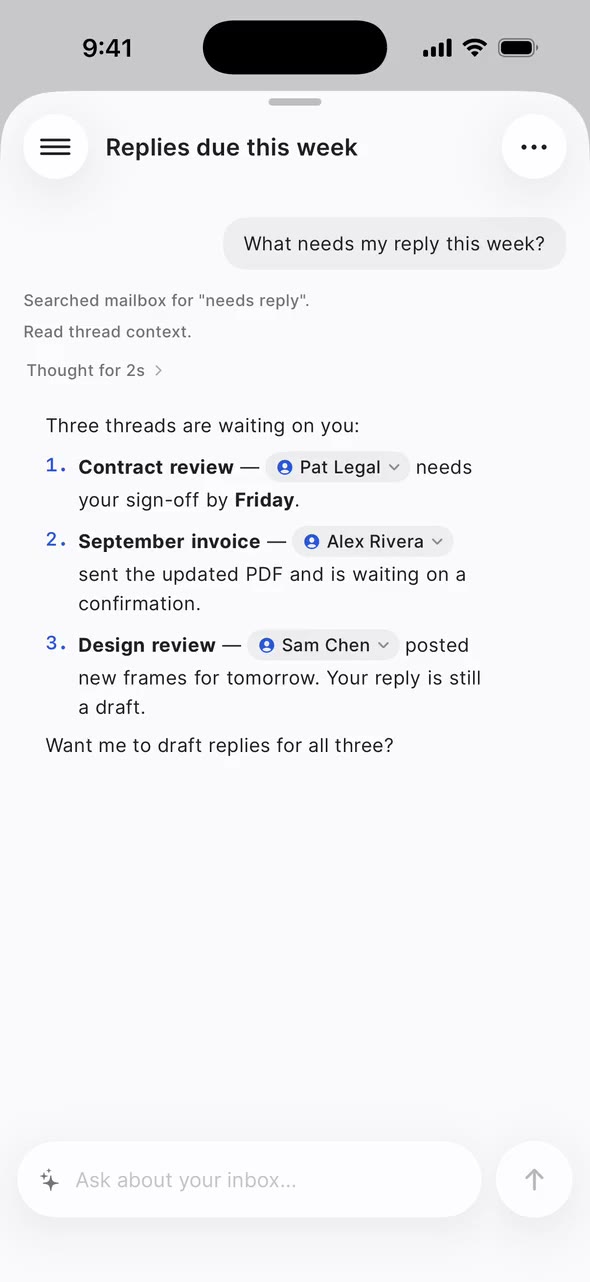
Ask AI searches your mail, reads threads, sums up what’s waiting and drafts replies. You can see each step as it works, and drafts wait in your Drafts folder until you send them.
What Ask AI shows as it works: Searched mailbox · Read thread context · Thought for 3s · Drafted a reply in your Drafts folder.
Your rules. Give each mailbox its own instructions in Settings → AI prompt: tone, sign-off, what to leave alone.
Runs on Cloudflare. The assistant uses models on Cloudflare Workers AI. Inboxies doesn’t send your mail to another AI provider.
Your own AI tools, too. On a self-hosted install, connect Claude Code, Cursor or another MCP client. It acts with your access, including sending and deleting mail, so only connect tools you trust.
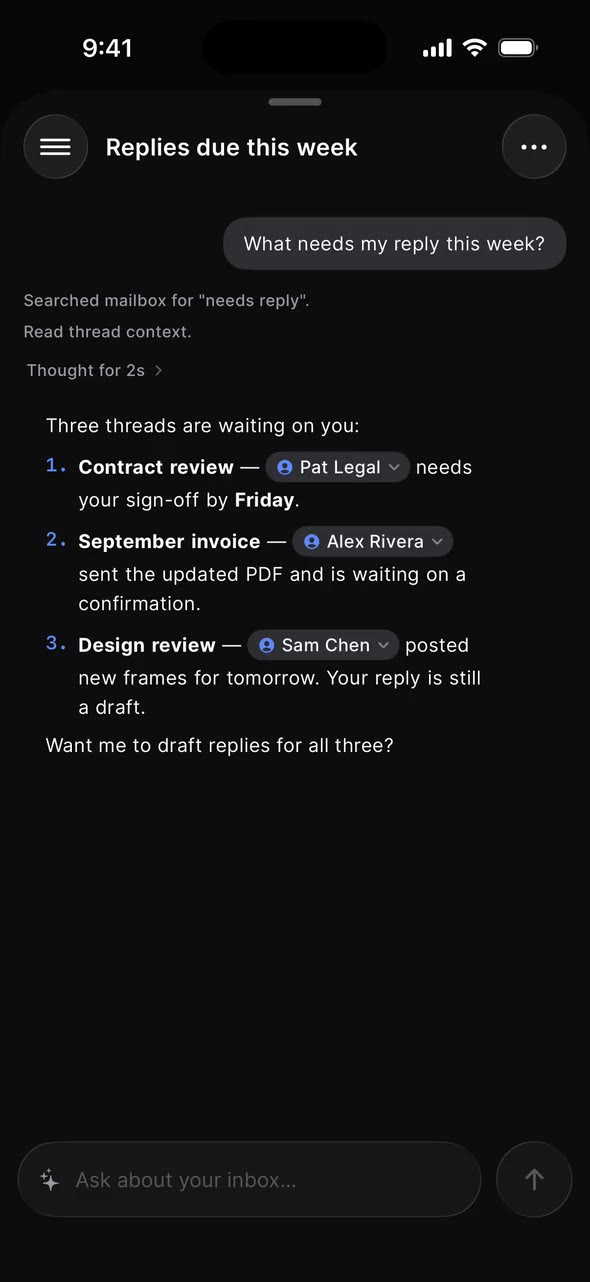
Ask AI on iPhone: the question “What needs my reply this week?” gets a streamed answer listing three threads waiting on you. Sample mailbox; the conversation is staged.
04 Search · from GmailiPhone · Web
Find it the way you remember it.
Search reads the whole message body, not just the preview, and understands the operators you already use in Gmail.
Sample mailbox; the results are simulated offline.
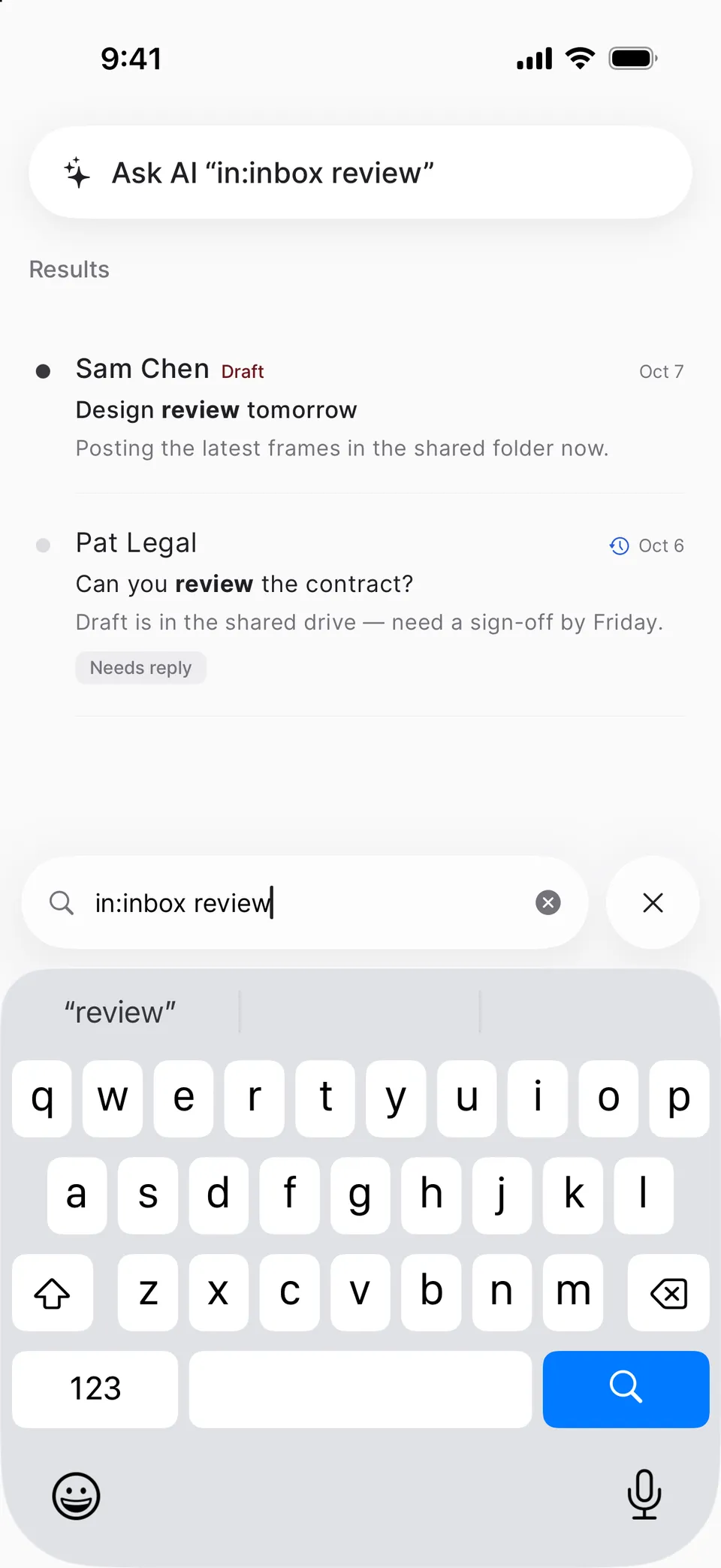
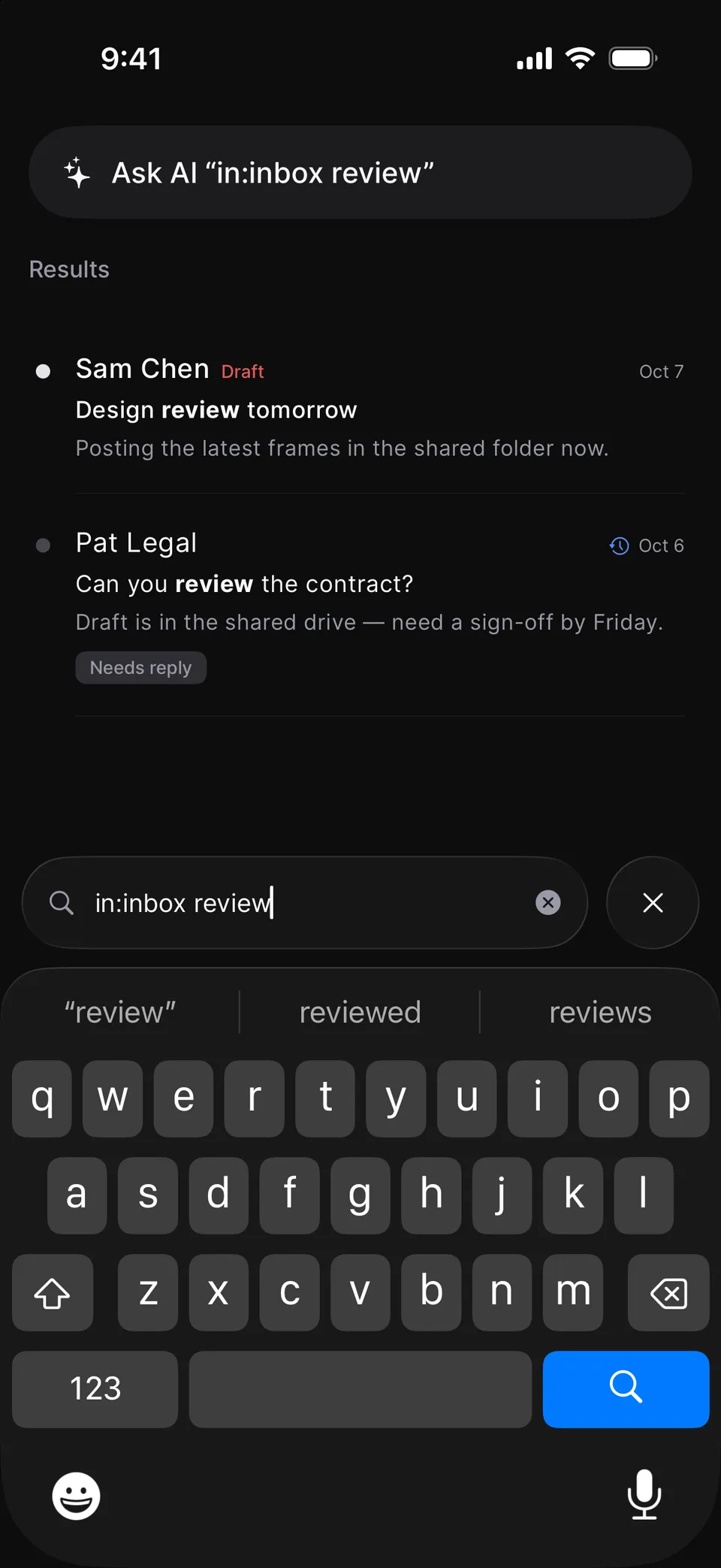
Search on iPhone: the query “in:inbox review” finds Sam Chen’s “Design review tomorrow” and Pat Legal’s “Can you review the contract?”, with “review” in bold, and offers to ask AI instead. Sample mailbox; the results are simulated offline.
05 ComposeiPhone
Drafts that step aside.
Swipe a message down and it docks at the bottom of the screen while you check something else. Tap the dock to pick up where you left off.
Saves as you go. Drafts save a few seconds after you stop typing.
Formatting without fuss. Headings, lists, bold and italics, alignment, and attachments from Photos, the camera or Files.
Fits the limit. Photos are resized on your phone to fit the 5 MiB send limit. Videos can’t be attached.
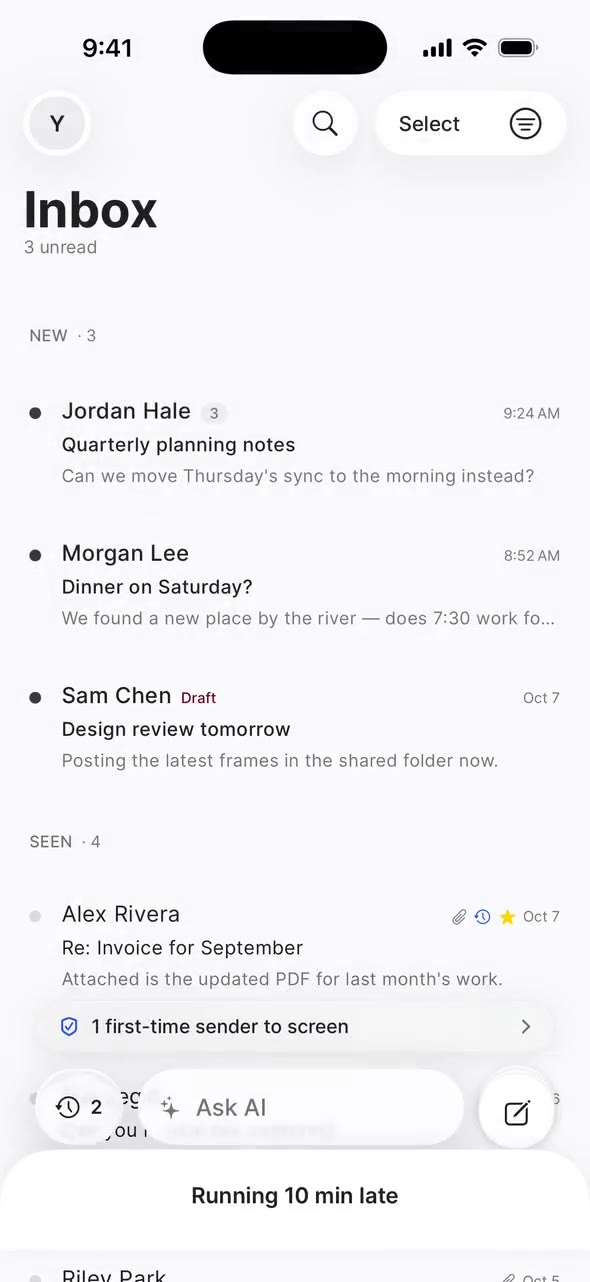
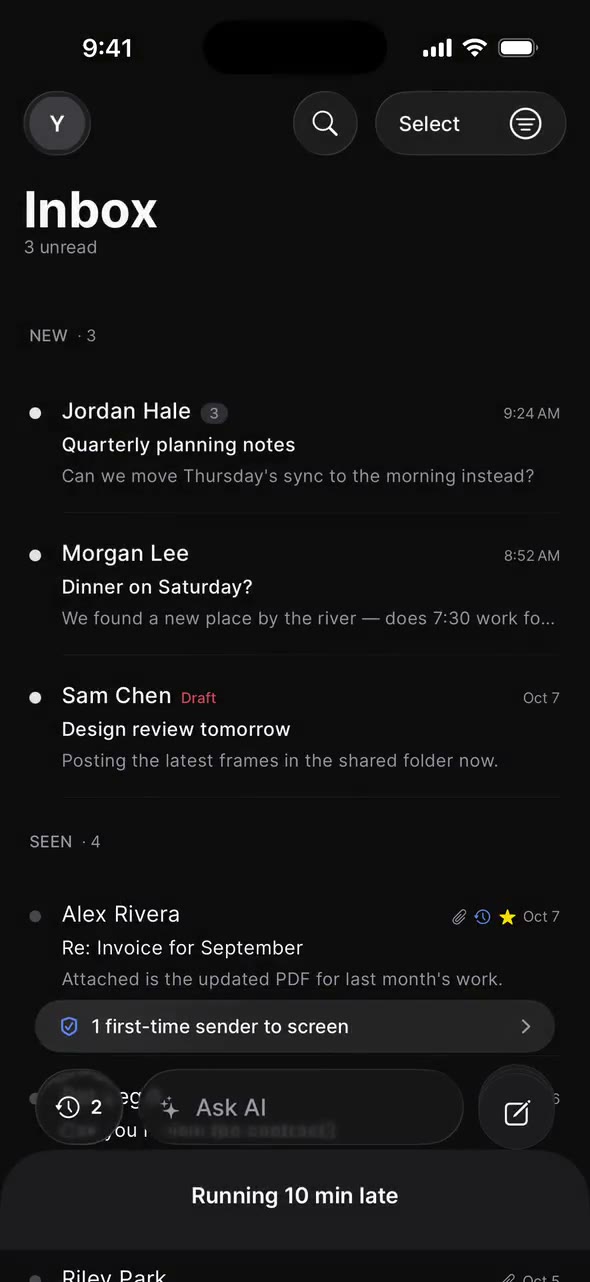
Compose on iPhone: a new message, “Running 10 min late”, is swiped down into a dock at the bottom of the Inbox, then tapped open again.
06 Your domainiPhone · Web
Your own name, with the records written for you.
Connect a domain you own with one TXT record and a nameserver switch, or register a new one in the app. Inboxies creates the Cloudflare zone, turns on Email Routing and writes your MX, SPF and DMARC records. Check MX, SPF, DKIM and DMARC whenever you like, and one button fixes what’s off.
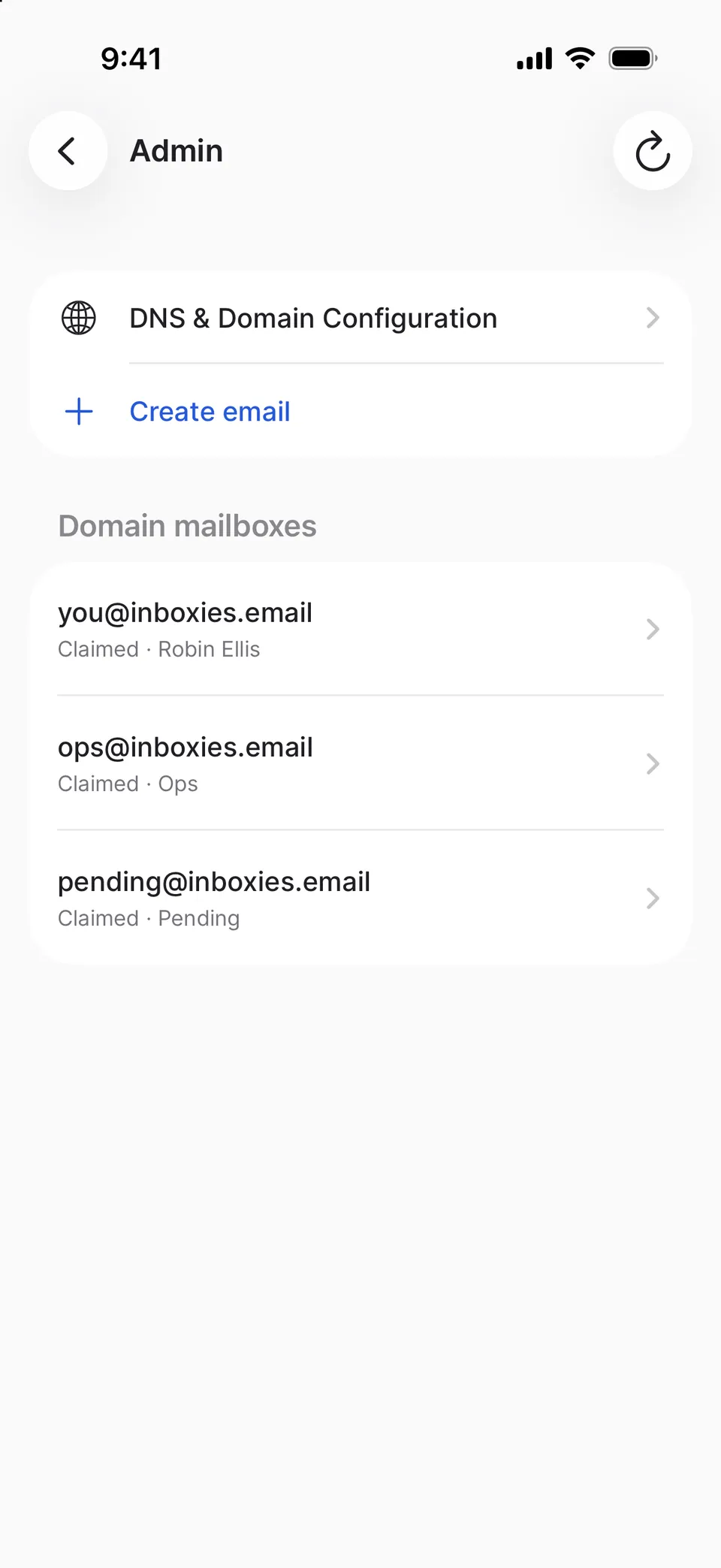
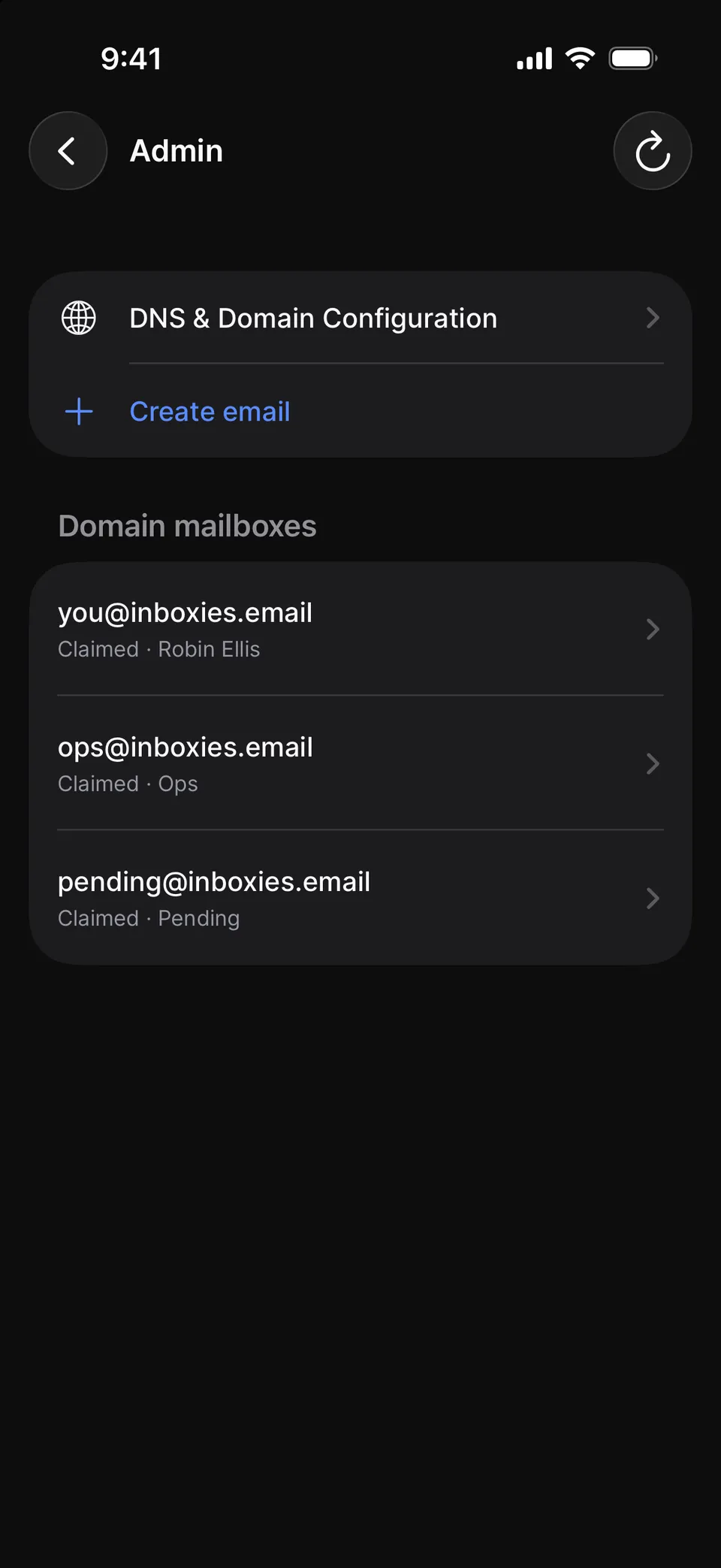
Bring the team. In Domain Admin, create mailboxes, invite people by email, and share a mailbox without sharing a password.
hello@ and support@. While you set up the domain, send addresses like these to any mailbox on it.
Leave with your mail. Domain admins can export every mailbox to .mbox. Domains registered through Inboxies come with their transfer code.
Accept a sender into Inbox, Promotions or Updates, and their mail goes there from then on. Mail from people you’ve emailed is sorted by its headers: list mail to Promotions, or to Updates for receipts and alerts, and the rest to Inbox. Spam goes to Spam, caught by its headers, sender checks or a Workers AI model.
Up to 50 rules that match a sender, a mailing list or a subject, then file, forward or skip the assistant’s draft. A filter can’t let a stranger past the Screener.
Forward everything, or only what a filter picks, to an address verified in Cloudflare Email Routing; on inboxies.email, ask support to add yours. Away replies go once per sender a day, never to lists or no-reply addresses.
Set up to three swipe actions on each edge. Delete, archive and move wait five seconds for Undo, and you can shake to undo or take back a send for a few seconds on iPhone.
Mailboxes, folders, the list and the message open side by side, and every view has its own link. Reply from the box under a message, press C to write or ⌘K to search. On a phone, each column gets its own screen.
Email HTML is cleaned, scripts never run, and messages render in a sandbox. Remote images wait until you choose Load images, and you can view any message’s headers.
A random address for every sign-up form, delivered to your mailbox. Replies go out from it, so your real address stays yours. Pause it, let it expire or delete it.
When personal mail arrives from someone you’ve let in, the assistant writes a reply into Drafts for you to edit or send. It skips the Screener, Spam, bulk and spoofed mail, and checks each message for prompt injection first.
Gmail and HEY are trademarks of their owners. Names are used only to compare features.
Plain facts
true today, as of 11 Oct 2026
No ads
There are no ads in Inboxies today: not in the apps, and not in your mail.
Export as .mbox
Domain admins can export every mailbox on their domain to a standard .mbox file that Apple Mail and Thunderbird open. A one-tap export for a single mailbox is planned.
The server and web app are open source. Read the code, or run your own copy on Cloudflare; the iPhone app connects only to inboxies.email.
Deleting is permanent
Deleting a mailbox erases its messages, attachments, raw files and assistant history, and you can delete your whole account from the iPhone app. Neither can be undone. An .mbox export made earlier isn’t deleted with it.
Registration, WHOIS privacy, DNS, the platform and the assistant in one yearly price when the domain costs $15 or less wholesale. Pricier domains are wholesale + $10 a year.
Start with a free address.
The Screener is on from the first email, and there’s no charge for a personal address today. Bring your own domain whenever you’re ready.